
Quest Portal
Nov 4, 2026 · 1 min read
New: Custom Dice Skins From Your Own Artwork
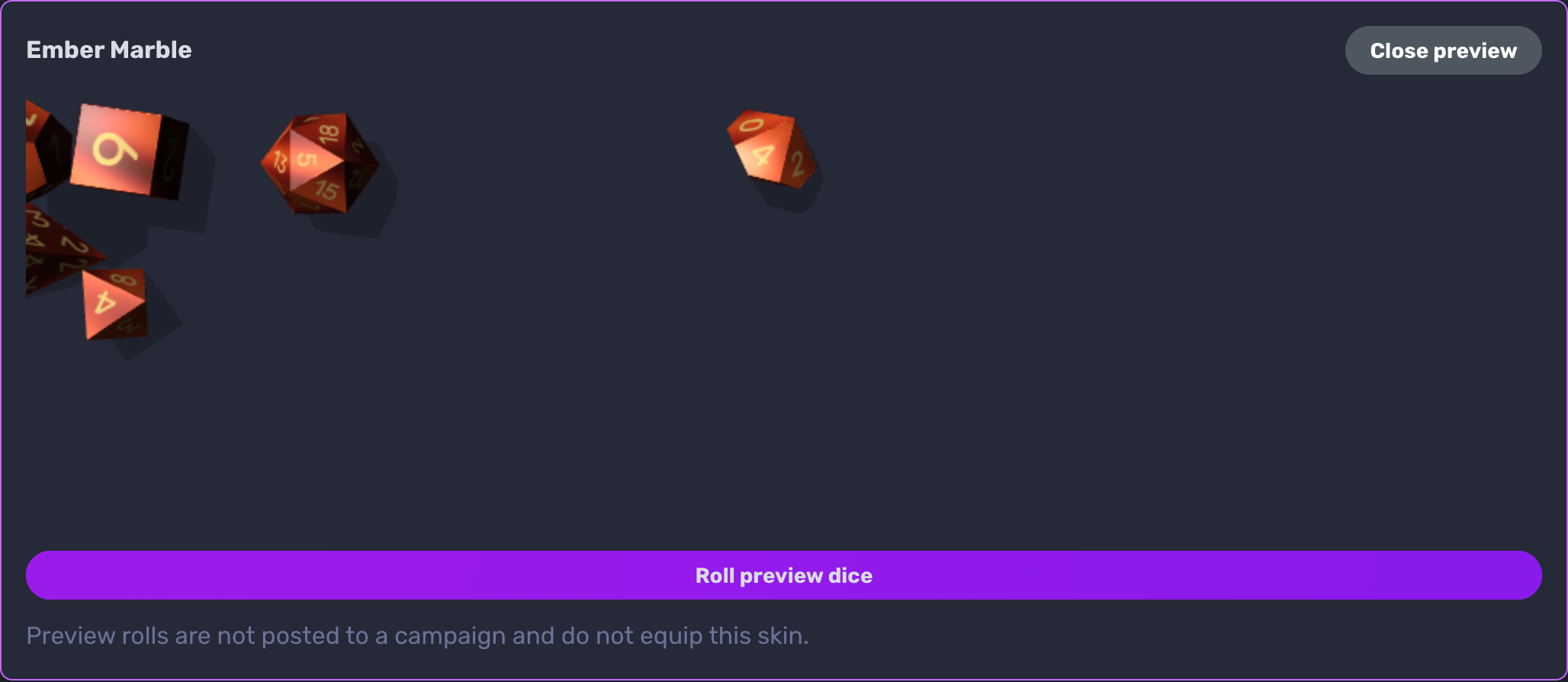
Roll dice made from your own artwork. Import a custom dice skin, or ask Claude or ChatGPT to design one, and Quest Portal adds the numbers, the dice shapes and the roll rules.
Who can use it: everyone, on the web, in Account settings → Dice. Designing skins with Claude or ChatGPT needs Pro. The mobile app (version 10.0.0) rolls with the skin you chose on the web; you can't create or switch skins in the app.
How it works
In Account settings → Dice, open Skin format and MCP creation and choose Download starter ZIP.
Replace basecolor.png with your artwork, set the name and number color in skin.json, and zip it again.
Choose Import ZIP, then Use this skin.
Your skin is used every time you roll in 3D. It stays private: other players see your rolls with standard dice. You can keep up to 20 skins.
Learn more: Custom Dice Skins in the documentation, and the guide: How to Make Custom Dice from Your Own Art.
More fun at the table, less fuss around it
The tavern falls quiet. You spent all week on this villain: the scarred voice, the secret letter, the slow reveal in the final act. Your players have other plans. They have just set fire to the only bridge out of town, the paladin is deep in an argument with a goat, and the rogue has quietly pocketed the letter that was supposed to unravel everything. Somewhere across the river, your villain stands alone in the rain, waiting for an entrance that will never come. The bard leans back, grinning. Four faces turn to you.
What do
you do?