
Quest Portal
Nov 4, 2026 · 1 min read
New: Connect Claude and ChatGPT to Your Quest Portal Campaigns
Ask Claude or ChatGPT to prep your campaign, and it makes the changes in Quest Portal for you. Create NPCs, write and organize notes, set up scenes, move a session or design a dice skin, all in your own words.
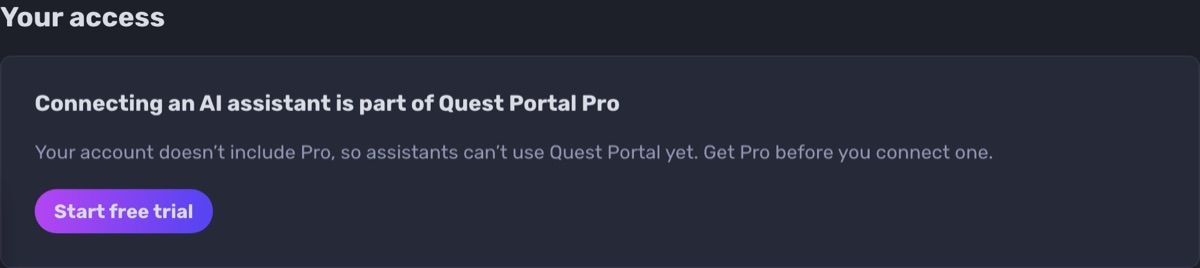
Who can use it: Quest Portal Pro members, including the 30-day Pro trial, on any Claude or ChatGPT plan that supports custom connectors. If another member of your campaign has Pro, your assistant can work in that campaign. It doesn't use Quest Portal credits: the AI runs in Claude or ChatGPT, on your plan there.
How it works
Open Connect to MCP in Quest Portal and copy the link mcp.questportal.com/mcp.
In Claude or ChatGPT, add it as a custom connector, then sign in and choose Allow access.
In a new chat, turn on Quest Portal and ask: "Create an NPC for the tavern keeper in my campaign."
The assistant acts as you, so it only opens what you can already open. Disconnect it any time in the same settings page.
Learn more: Connect Quest Portal to Claude and ChatGPT in the documentation, and the guide: How to Use Claude or ChatGPT to Prep Your D&D Campaign.
More fun at the table, less fuss around it
The tavern falls quiet. You spent all week on this villain: the scarred voice, the secret letter, the slow reveal in the final act. Your players have other plans. They have just set fire to the only bridge out of town, the paladin is deep in an argument with a goat, and the rogue has quietly pocketed the letter that was supposed to unravel everything. Somewhere across the river, your villain stands alone in the rain, waiting for an entrance that will never come. The bard leans back, grinning. Four faces turn to you.
What do
you do?