Prep less. Play more.
Explore 25 adventure prompt ideas
Open an example for inspiration, then adapt its characters, setting, and twist for your system. These prompts work as starting points for quick encounters, one-shots, or longer campaigns.
- Tavern brawl
- A tavern brawl erupts between two local crews, but the brawl is a distraction for a theft in the back room. The job’s real target is a map locked in the owner’s office.
- Cultist lair
- Whispers say a back‑alley faith meets under the library; the trail leads to an underground lair. Their “summoning circle” looks more like a containment ward.
- Caravan ambush
- The party’s hired to ride shotgun between two towns; in the pass, bandits strike with uncanny timing and anti‑wagon tricks. Half the drivers panic and split the convoy. However, the ambush was insured; the patron profits by losing specific wagons.
- King’s crown is missing
- The ceremonial crown vanishes on the eve of coronation, throwing succession into chaos. Every noble has an alibi; none have a good one.
- Haunted mines
- An abandoned mine keeps making sounds and always has a subtle cold wind. Deep shafts reveal collapsed shrines and pick‑scarred bones.
- Find the stolen relic
- A temple’s heart‑relic is gone, and omens worsen by the hour. Clues point to three suspects who all could be guilty and all have compelling reasons.
- Monster hunters
- A famous guild posts a contract for a “chimera” killing livestock. Locals describe different monsters that never appear together. However, the guild staged attacks to justify new jurisdiction.
- A festival goes wrong
- During the lantern parade, the sky refuses to darken and the river runs backward for a minute. Stalls overturn, masks crack, children laugh at voices only they hear.
- Colony loses power
- A frontier colony drops off the grid; backup systems report “manual shutdown.” Doors are magnet‑locked from inside habitat modules.
- A mystery at the library
- Pages are vanishing from unique tomes without cutting or burning; entire entries blink out of existence. Librarians hush anyone who asks.
- Wolves in woods
- Wolves stalk the roads, bold at noon and unafraid of bells. Farmers whisper about eyes in the hedgerows that aren’t lupine.
- Alien spores
- A meteor bloom dusts the valley; translucent nodules sprout overnight and “breathe” in sync with sleepers. Quarantines fail as people see loved ones in the fog.
- Missing villagers
- Every seventh night another person disappears without a struggle, doors still barred from within. Fresh footprints end at the wellhead.
- Investigate the missing farmer
- A reliable farmer misses delivery for the first time in twenty years; his fields look freshly tended, but there are no footprints. A scarecrow now faces the house.
- Infested cargo hold
- Crew complains of scratching sounds from the cargo hold. The captain insists on making port before inspection.
- The hermit’s curse
- A local hermit has been offended by someone or something in the area and seeks to get even. What dark powers does the hermit have access to?
- Signs of ambush
- While travelling the players stumble upon a scene of a fight. Have the victims been carried away or is the fight still ongoing? How does this lead to a mysterious evil force.
- Lost in the swamp
- While travelling across a desolate watery swamp the players come across a mysterious cabin. It is used by local poachers to hunt benign creatures in the area. They need to be reported to the king but so far you have been unable to find a way out of the swamp.
- A gambler’s fate
- While staying at a tavern the players overlook a desperate gambler wager an exotic key that they know is connected to a famous dungeon. Win or lose the players want to get their hand on that key.
- Statues in the woods
- While traveling between towns, you stumble upon a clearing with a dozen stone statues seemingly frozen mid-battle. A panicked murmuring draws you closer, as the stone begins to crumble on the nearest statue.
- Wrong place, wrong time
- The front door explodes open, interrupting the party's well-earned breakfast after a night of adventuring. Police stream in, looking for criminals and falsely accuse your party of wrongdoing.
- Worst birthday ever
- During a birthday party, an eccentric but favorite Aunt comes in late and sweaty. She hurriedly hands you a gift from her satchel and leaves. You unbox a beautiful but terrifying amulet, and a sense of dread creeps down your spine. On another plane, your Aunt reaches into her bag to find the neatly-wrapped sweater meant as your birthday gift.
- An uninvited guest
- Your ship unexpectedly drops out of fast travel. No alarms have been triggered, but something is wrong. As everyone troubleshoots the ship, things start to go awry. There's a stowaway, one who's trying to take over.
- Hijacked
- Somehow the aliens managed to subdue you and bring you onto their ship. Now some security protocol has failed and you have escaped your cell, how will you escape?
- Prison Break
- You don’t know how all the powerful beings escaped the magical prison but you have been put in charge of capturing and re‑imprisoning them. Where do you start?
Quest Portal Assistant
The game master's secret weapon
Hidalgo
It really takes a lot of the burden of being a forever DM from your shoulders… it assists you in creating adventures and coming up with ideas.
Aniond
I'm having way too much fun with it. I was able to create NPCs and story arcs on the fly… Everything lined up perfectly.
AlchemyInk
I have been having a great time testing the GM assistant and campaign creator. I'll be working with it a lot as I find these new tools a blast to use and exploring ideas.
Schnubbi
Created a full Delta Green scenario—immersive and fast.
We have so many more positive comments from our users. See all of them here.
Hidalgo
It really takes a lot of the burden of being a forever DM from your shoulders… it assists you in creating adventures and coming up with ideas.
We have so many more positive comments from our users. See all of them here.
Upload files or write short descriptions and Quest Portal will create a new sheet or fill out your preferred template for the system you run.
Generate characters that are ready to roll before your players ever feel the pause.
Campaign Access
Upgrade the entire table
Pricing
Virtual Tabletop
Everything around the Assistant
keeps the session moving
Fog of War
Simple fog of war that is easy to add and remove.
Walls & Lighting
Add walls to buildings and give tokens light/vision to reveal fog.
Grid Alignment
Simple tools to add grids to your maps. Align easily to maps with existing grids.
Measurements
Measure distances with ease, display units that match your game.
Campaign Text Chat
Keep the game going beyond the session with Campaign text chat. Organize, share memes, have fun.
No-code Sheets
Character sheets that you can make changes to without knowing how to code.
Powerful Note Editor
Take notes, plan out your world, collaborate with others.
GM Assistant
Get answers to questions quickly. Get help creating. Get assistance with using the VTT.
Unlimited Characters
You can create as many characters as you want for free.
Unlimited Campaigns
You can create as many campaigns as you want for free.
Free To Use Assets
Quest Portal VTT has hundreds of assets for Scenes and Characters ready for you to use. All for free.
Hundreds of systems
Use existing character sheet templates or build your own with the no-code sheets.
Pro in action
Get started in minutes, not hours
What's inside Quest Portal VTT?
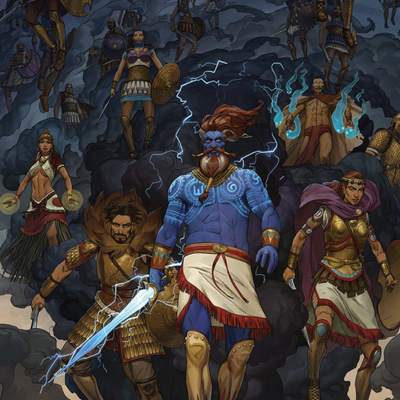

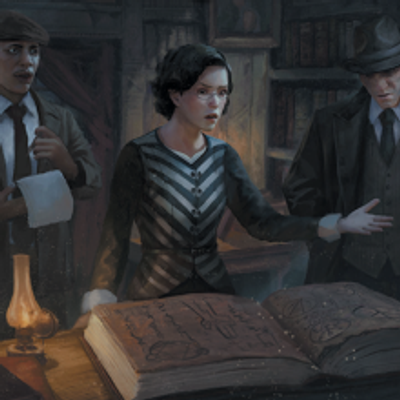

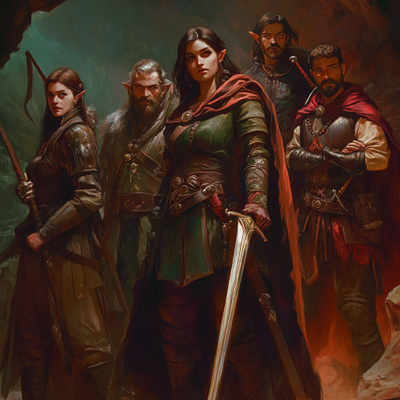

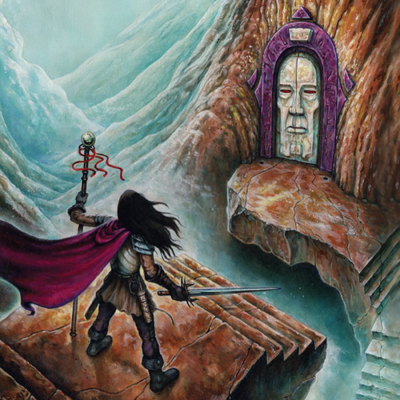

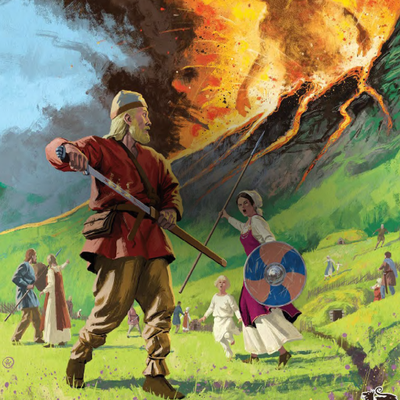



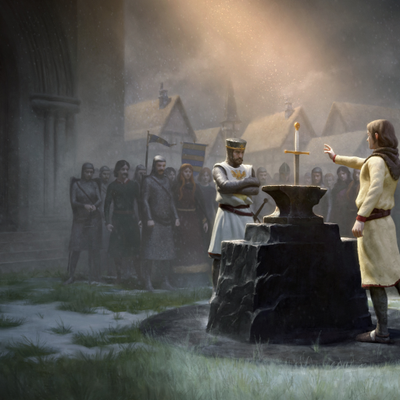



Official partnerships with publishers and community created content. No code sheets and templates. Rules and adventures available in the Marketplace.
Virtual Tabletop
Everything around the Assistant
keeps the session moving
Awesome map tools
Get the most out of your play session with powerful map tools encounters or fun.
Measure with precision
Easily measure distances on the map, set units, and share measurements with our intuitive tool.
Fog of War
Simple fog of war that is easy to add and remove.
Walls & Lighting
Add walls to buildings and give tokens light/vision to reveal fog.
Grid Alignment
Simple tools to add grids to your maps. Align easily to maps with existing grids.
Measurements
Measure distances with ease, display units that match your game.
Campaign Text Chat
Keep the game going beyond the session with Campaign text chat. Organize, share memes, have fun.
No-code Sheets
Character sheets that you can make changes to without knowing how to code.
Powerful Note Editor
Take notes, plan out your world, collaborate with others.
GM Assistant
Get answers to questions quickly. Get help creating. Get assistance with using the VTT.
Unlimited Characters
You can create as many characters as you want for free.
Unlimited Campaigns
You can create as many campaigns as you want for free.
Free To Use Assets
Quest Portal VTT has hundreds of assets for Scenes and Characters ready for you to use. All for free.
Hundreds of systems
Use existing character sheet templates or build your own with the no-code sheets.








Frequently Asked Questions
A built-in co-pilot for your Quest Portal campaigns. It answers rules questions, creates scenes and NPCs, helps you ideate, and ties everything back into your campaign so you can focus on running the table.
Dozens! The Game Master Assistant already works across the TTRPGs that Quest Portal supports, and we’re expanding coverage continuously. If your favorite system is missing a stat template, tell us we’ll add it to our to-do list.
Ask a rules question in your campaign and the Game Master Assistant replies in plain language, with references when possible. Adding books from the Marketplace into your campaign gives the Assistant access to them and it will start using them to answer your questions on rules and lore.
Yes. Work inside your campaign and reference notes and characters by @mentioning them in your prompt. The Game Master Assistant can expand, summarize, and edit what is already in your notes.
Yes, it can create NPC portraits, item cards, scene art, and battlemaps. You can also paste an image URL and ask it to “make a map like this.”
The Game Master Assistant supports 95+ languages and you can try chatting with them in your native language and it will respond in kind when your language is supported. However, the UI and its instructions are all written in English, so it will be biased to create content in English.
Yes the Assistant is available on the Quest Portal mobile app and accessible through the web app on mobile browser.
Subscriptions auto-renew at the end of each monthly billing period and with that your Credit limit is replenished. If you don't use all your Credits they stack over time.